
Install Step-by-Step Guide to Installing Oracle AI Database 26ai Linux
In this post explain how Install Oracle Database 26ai Linux 9 in detail, step by step.
1. Download the software
To download the software, click on the following link:
software

On this page, you'll find the software available for download. Download the ZIP file for the Oracle AI Database 26ai Linux x86-64 platform (LINUX.X64_2326100_db_home.zip), as we'll be using runinstaller to perform the installation.

2- Installing the Preinstaller (RPM)
To avoid having to prepare the system manually, Oracle provides a pre-installation package that automatically prepares the operating system by configuring all the necessary requirements for the installation.
We set up the repository to download the rpm file.
To do this, navigate to the /etc/repos.d directory and create the following repository oracle-linux-9.repo.
The content is:
[root@oracle19cdb1 yum.repos.d]# cat oracle-linux-9.repo
[ol9_addons]
name=Oracle Linux 9 Addons
baseurl=https://yum.oracle.com/repo/OracleLinux/OL9/addons/x86_64/
RPM
gpgcheck=1
enabled=1
[ol9_appstream]
name=Oracle Linux 9 AppStream
baseurl=https://yum.oracle.com/repo/OracleLinux/OL9/appstream/x86_64/
RPM
gpgcheck=1
enabled=1
Actualizamos el metadata antes de descargar el fichero.
sudo dnf clean all
sudo dnf makecache

We search the repositories to see which packages are available for installation.

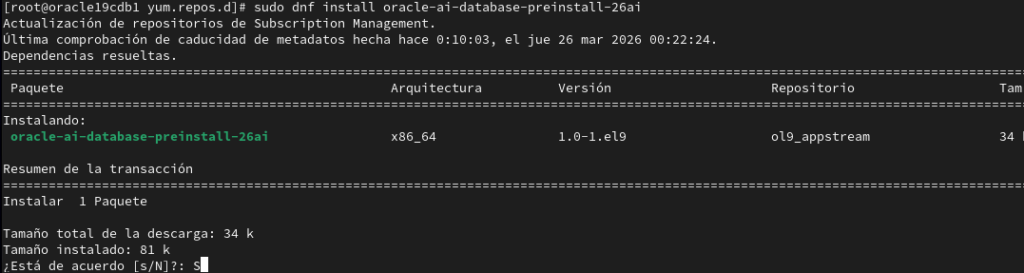
Instalamos el rpm con el siguiente comando: sudo dnf install oracle-ai-database-preinstall-26ai
3. software installation software database creation.
3.1. We create the data directories.
mkdir -p /u02/app/oracle/product/23.26/dbhome1
The software 26ai software will be installed in this directory.
Unzip the .zip file downloaded in step 1.
oracle@oracle19cdb1 software]$ unzip LINUX.X64_2326100_db_home.zip
3.2. We start the installation.
[oracle@oracle19cdb1 software]$ ./runInstaller
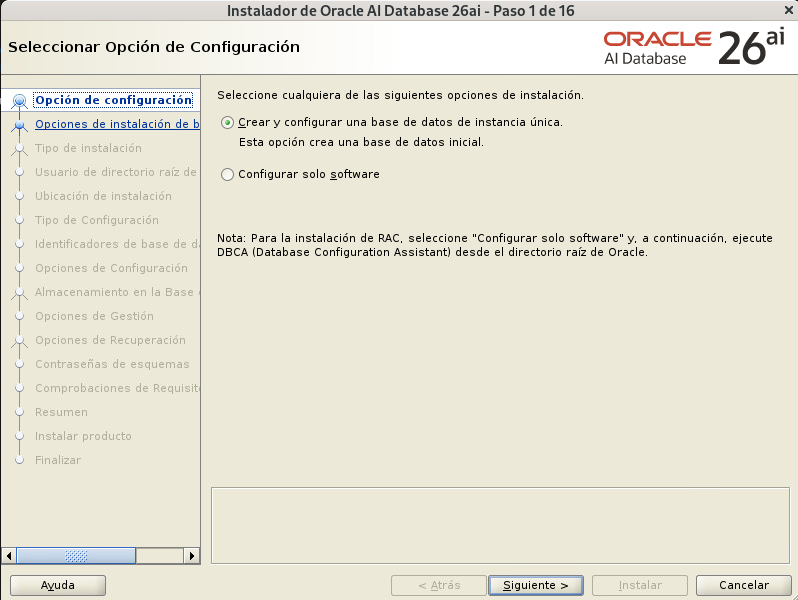
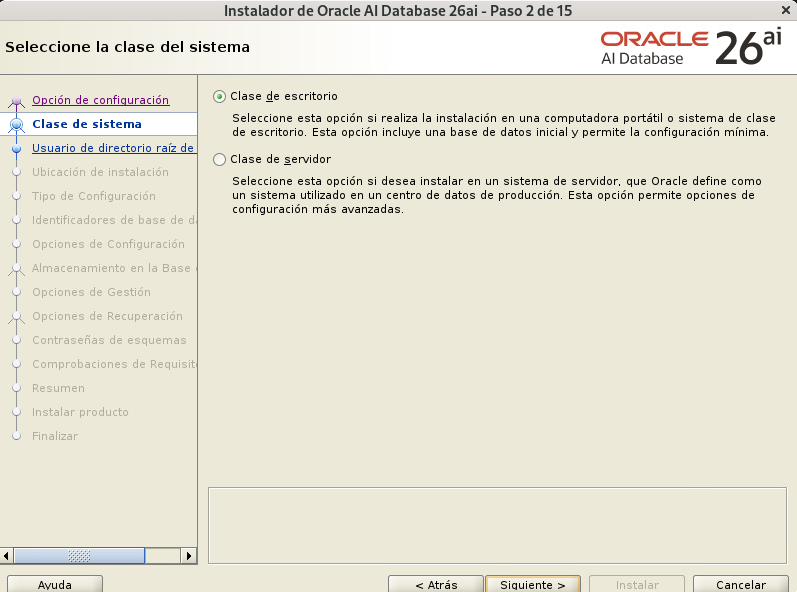
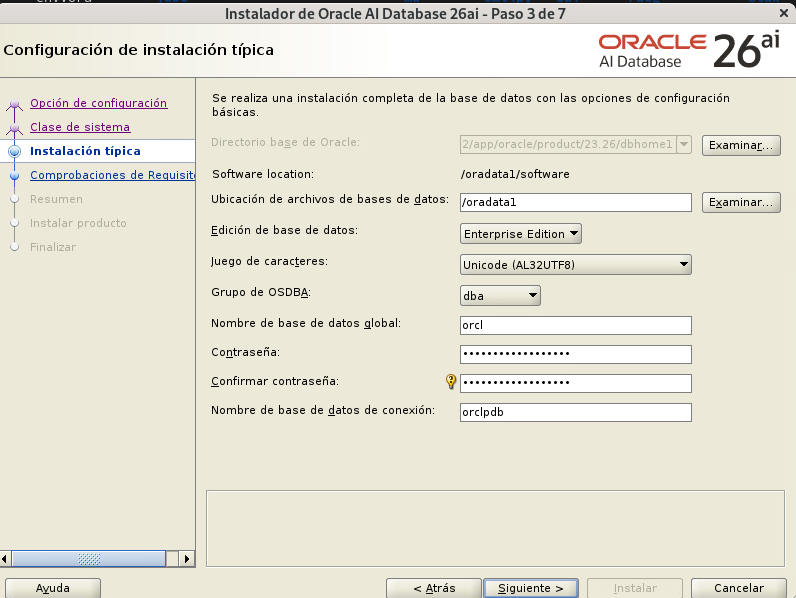
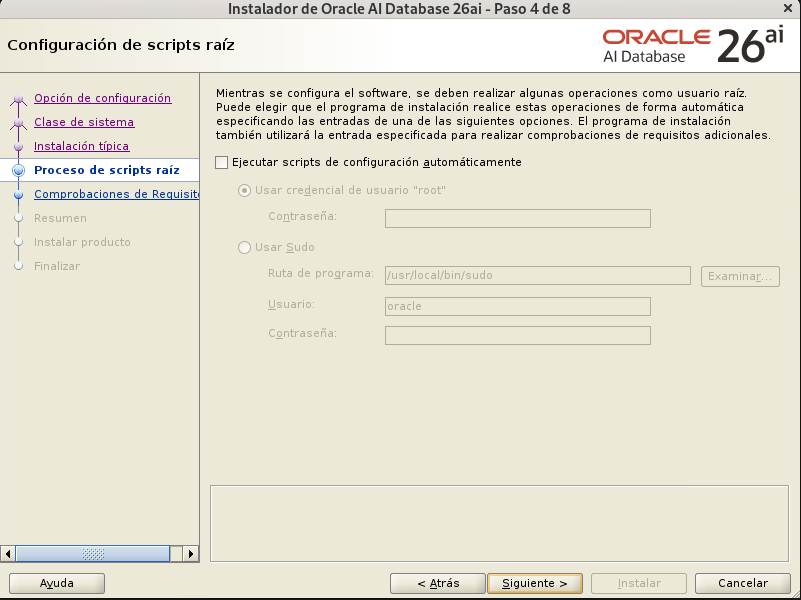
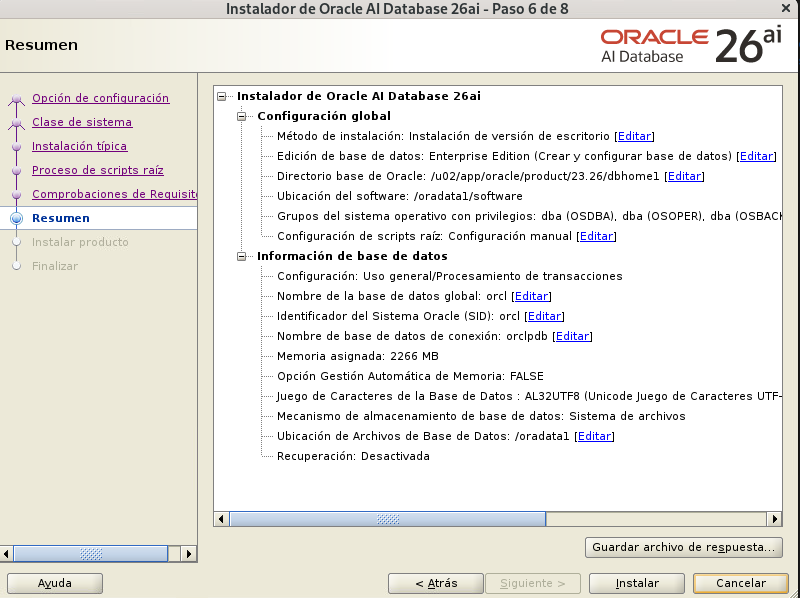
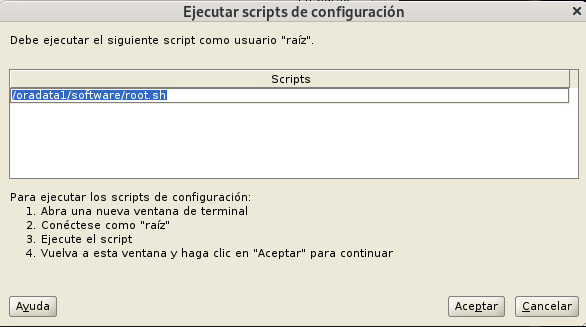
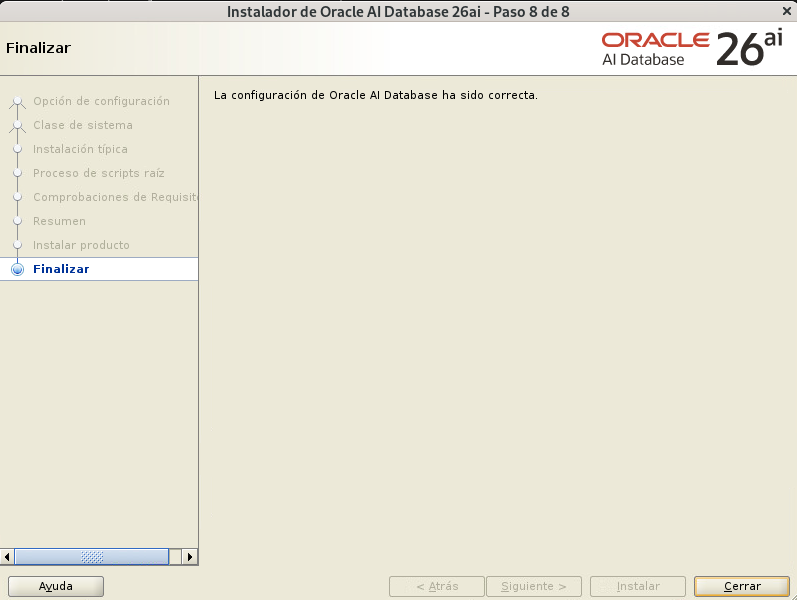
We verified that the database was created successfully.
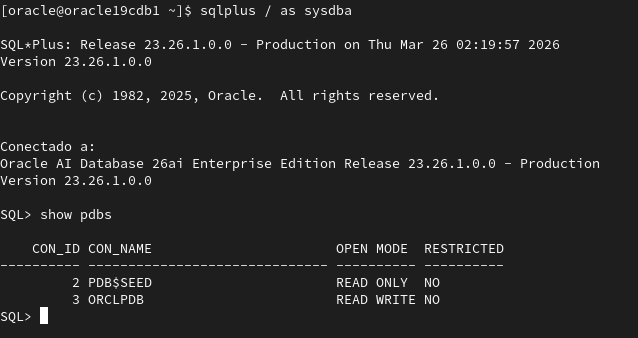
With that, our database will be ready to use.